Copy a public Reel link
Open a Reel that is accessible to you and copy its share URL.

Inspect a public Facebook Reel and preview the video formats made available for that post.
Paste a public link to inspect its media.
ClipSaved media guide
Paste a Reel URL or another valid Facebook media link. This route describes the Reel workflow; it does not restrict the submitted URL type.

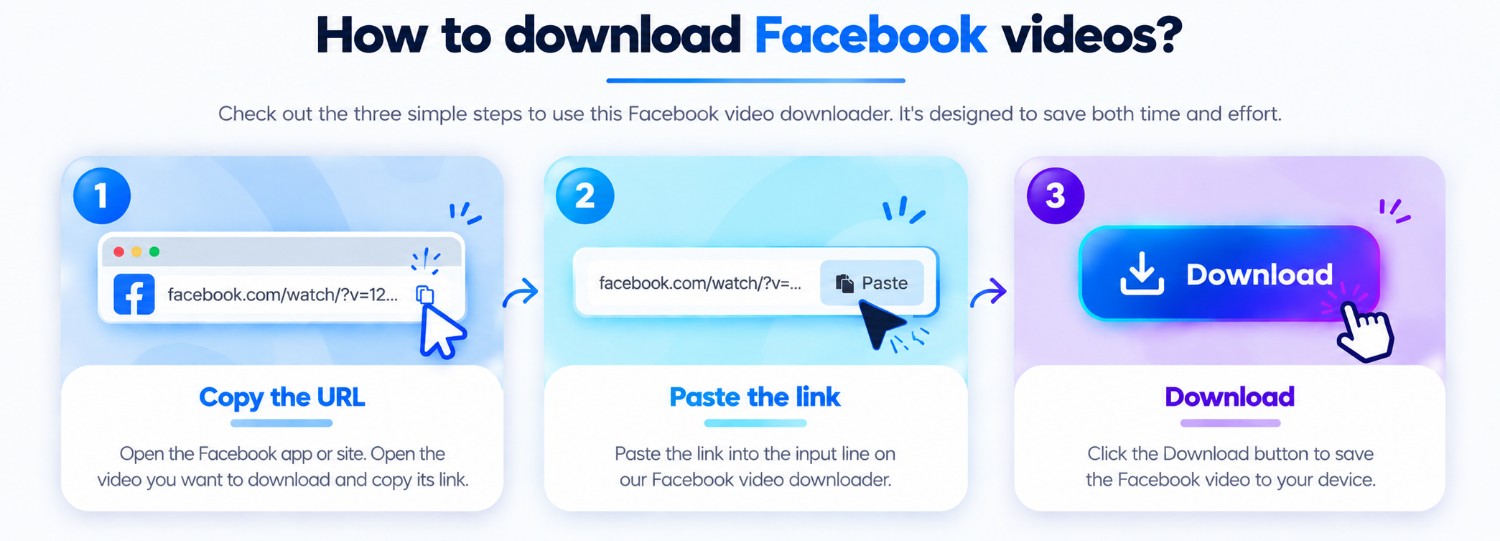
Three steps
Every guide uses the same ClipSaved analyzer and result controls.
Open a Reel that is accessible to you and copy its share URL.
Submit the link to ClipSaved’s Facebook analyzer.
Choose a returned quality or use the available streaming and download actions.
ClipSaved features
A focused guide for public Reels while preserving the standard analyzer.
Available quality depends on the formats Facebook exposes for the post.
Use the result controls in desktop, tablet, or mobile browsers.
Platform overview
Use the Facebook analyzer for a public post or Reel. The result depends on media and formats exposed by that specific link.
Preview public video links and select a returned quality when the source provides choices.
Public posts may return one or more images; returned items use the shared image gallery.
Facebook share URLs are validated and followed only through the existing public redirect checks.
Paste a link from a desktop or mobile browser. Preview and download controls use the same layout across screen sizes.
Private groups and login-only posts are not accessed. Facebook may limit public metadata or require an account for some posts.
Can I use a normal Facebook video URL here?
Yes. Route names are informational; all valid supported Facebook links use the same API.
Does ClipSaved remove Reel branding?
No. ClipSaved streams the source-returned media without promising edits or watermark removal.
Why does a Reel sometimes have no result?
It may be private, unavailable, or not exposed in a format supported by the extractor.
Can ClipSaved analyze private or restricted posts?
No. Use links to public or otherwise authorized media only. ClipSaved does not bypass sign-in, privacy, or access controls.