Copy a public link
Use the platform’s share option or copy the post URL from your browser.

Download public Instagram photos and image posts without changing the existing secure flow.
Paste a public link to inspect its media.
Instagram photos downloader
Save public Instagram photos with the shared image preview and download experience. Posts, image sets, and mixed media remain supported.
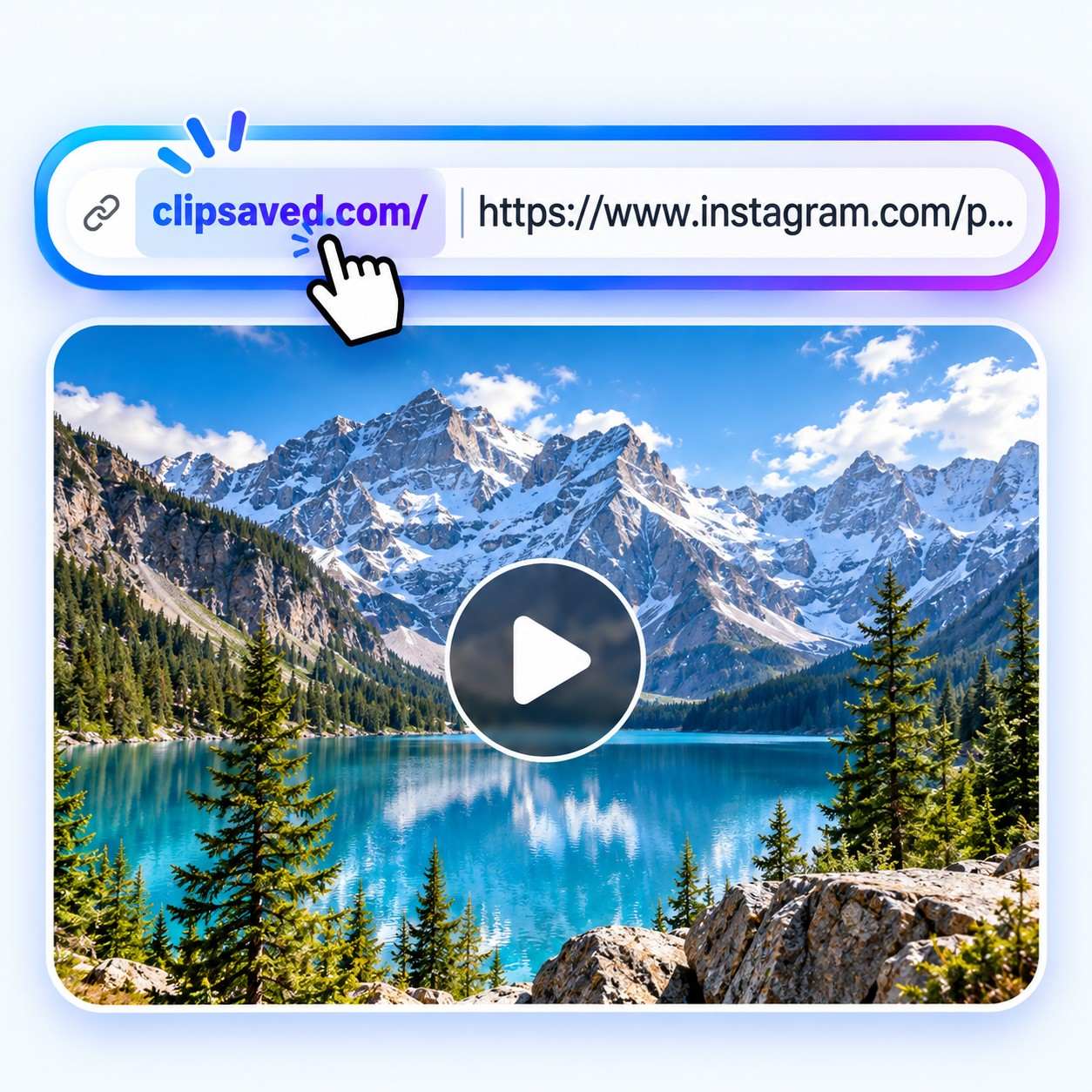
Useful details before you save
Paste a public link to open its matching downloader.
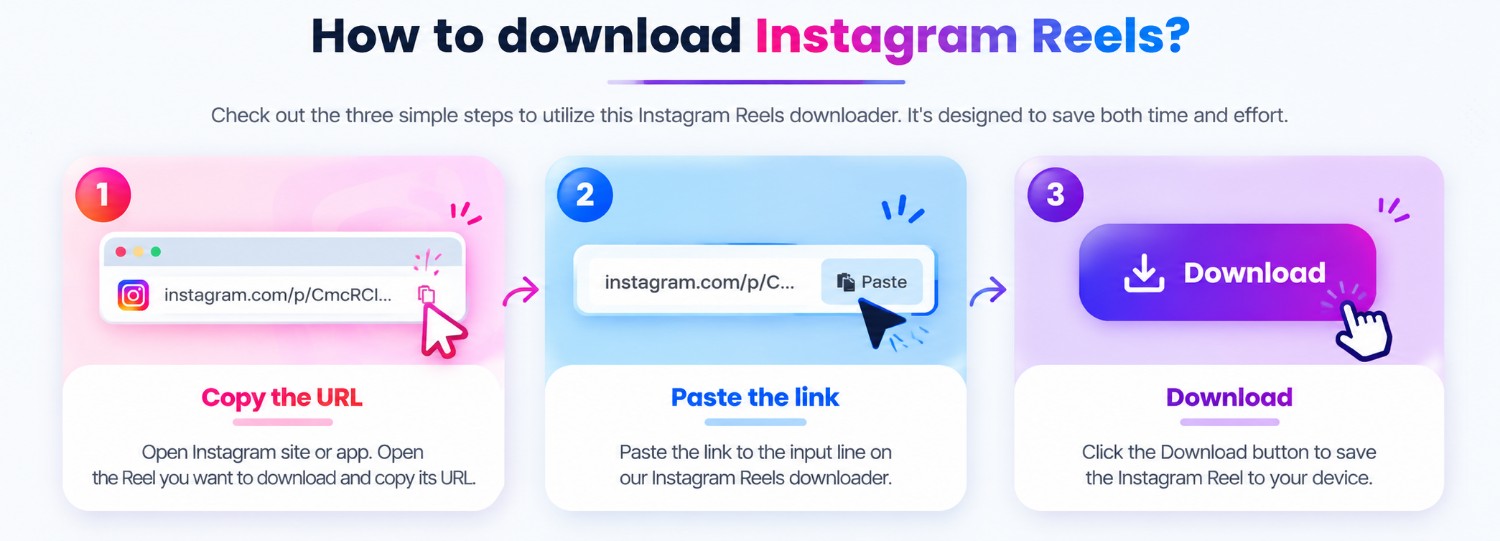
Three steps
Every guide uses the same ClipSaved analyzer and result controls.
Use the platform’s share option or copy the post URL from your browser.
Open that platform’s ClipSaved page, paste the link, and select Analyze.
Review the returned media and choose an available quality or image before downloading.
ClipSaved features
Only public or authorized media is supported.
ClipSaved preserves the media items and order returned by the platform. It does not upscale, convert GIF-style video, or promise formats that are not available.
The same responsive workflow works on desktop, tablet, and mobile browsers. No ClipSaved app or browser extension is required.
ClipSaved validates links before processing and streams media to your browser. It does not bypass private-account settings, login walls, or other access controls, and it does not build a permanent media library.
ClipSaved features
Every guide uses the same ClipSaved analyzer and result controls.
Preview source-returned video formats and choose a listed quality when several are available.

Open a returned image in the gallery and download the selected item.
Review the returned media and choose an available quality or image before downloading.
Navigate the returned images in order or download the available image set together.
Related Instagram guides
Can I download a single Instagram photo?
Yes. The image result provides a selected-image download through the existing secure stream.
Can I download multiple photos?
Supported carousel and image results use the shared gallery and Download All Images action.
Are image URLs exposed?
No. ClipSaved keeps upstream media URLs behind its existing backend stream and download routes.
Which image quality is available?
The available image item and metadata depend on what the public source returns.
Do files persist on the server?
No. Media is streamed to your browser and is not permanently stored by ClipSaved.